An optical drive is a device that uses a laser to read and write discs. If you haven’t used one lately, you’re not alone, but CompTIA A+ 220-1201 Objective 3.4 optical drives still matters in 2026.
Why? Support tickets still come in for legacy software installs, offline backups, classroom media, and DVD movie playback. On the exam, you’re expected to identify drive types, match discs to the right hardware, and troubleshoot common failures without guessing. This guide covers drive types, connectors, disc formats, and quick, exam-style troubleshooting.
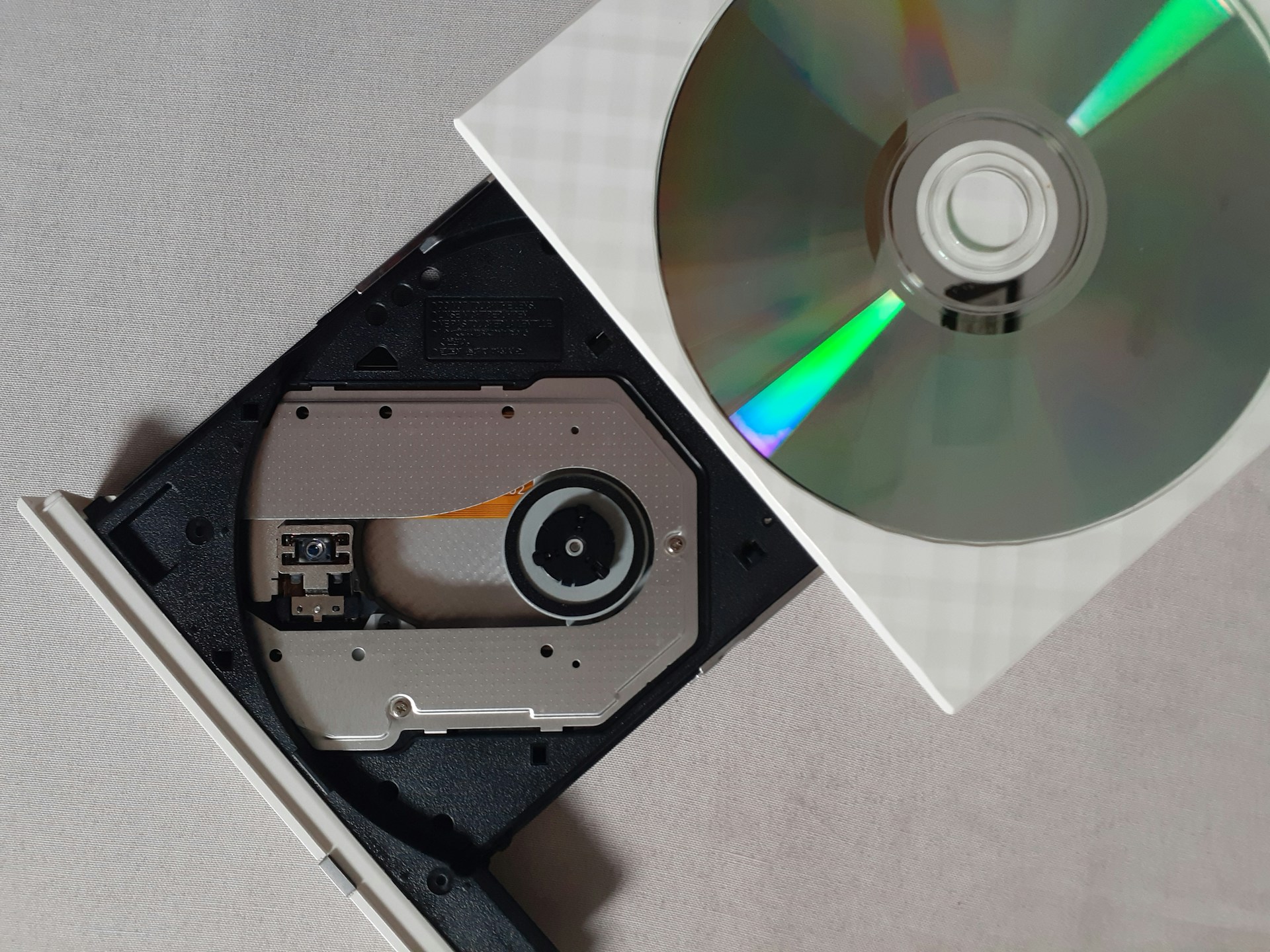
Optical drive types you may see on the A+ exam
Optical drives show up in two common forms, and the best choice depends on the job in front of you. A desktop used for older training media may have an internal drive, while a modern laptop often needs an external unit for the same disc.
A technician might use an optical drive to reinstall an older OS image from DVD, load motherboard drivers from a vendor disc, or copy archived photos from a CD-R. These cases are less common than USB installs, but they still appear in real support work, which is why the exam keeps them in scope.
Internal optical drives (SATA) versus external drives (USB)
Internal drives mount in a desktop bay and connect with SATA data plus SATA power. External drives connect over USB and sit outside the system. Many laptops and small-form PCs rely on external USB optical drives, since they don’t have room for a built-in bay.