Modern computer networks rely on specialized hardware to move data efficiently and securely between devices. One of the most important pieces of this infrastructure is the network switch. Switches are responsible for connecting devices within a local area network (LAN) and ensuring that data reaches the correct destination with minimal delay and minimal unnecessary traffic. For entry-level IT technicians, switches are a core concept because they are encountered in nearly every networking environment, from small home offices to large enterprise networks.
The CompTIA A+ exam expects technicians to understand not only what a switch is, but how it operates, how it differs from other networking devices, and why different types of switches are used in different scenarios. In particular, the exam focuses on the distinction between managed and unmanaged switches and the practical implications of choosing one over the other.
What Is a Network Switch?
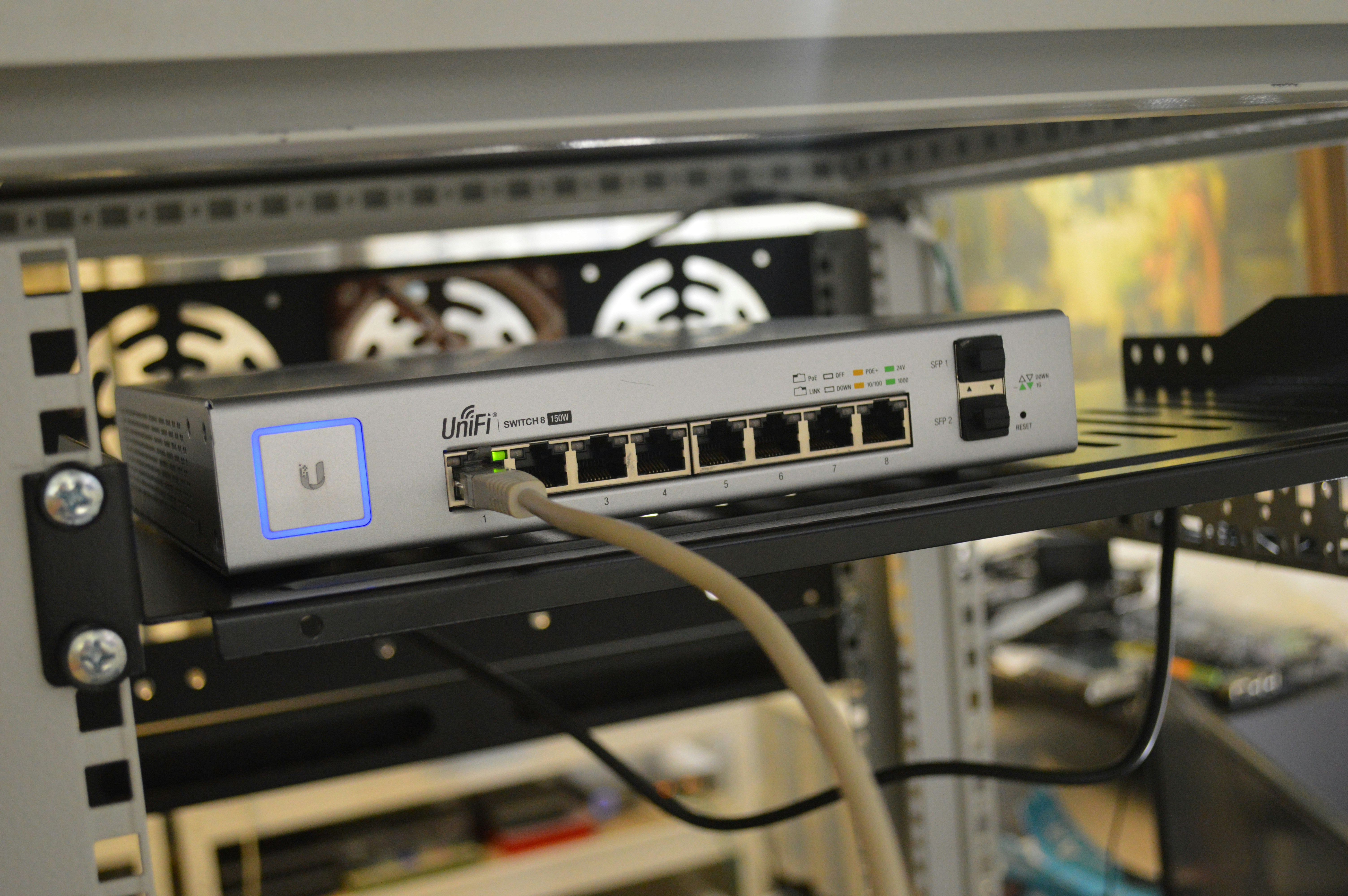
A network switch is a device used to connect multiple wired devices within the same network and enable communication between them. Devices commonly connected to switches include desktop computers, laptops, printers, servers, IP phones, and wireless access points. Each device connects to the switch using an Ethernet cable plugged into a physical port.
Switches primarily operate at Layer 2 (the Data Link layer) of the OSI model. At this layer, communication is handled using MAC (Media Access Control) addresses, which are unique hardware identifiers assigned to every network interface. When data is sent across a switched network, the switch examines the destination MAC address in the Ethernet frame and forwards the data only to the correct port.
This targeted forwarding is what makes switches more efficient than older networking devices such as hubs. Instead of sending traffic to every connected device, switches send traffic only where it is needed, reducing congestion and improving performance.
How Switches Forward Traffic
When a switch receives an Ethernet frame, it performs several internal steps to determine how to handle the data. First, it reads the source MAC address and records it in an internal table known as the MAC address table (also called a CAM table), associating that MAC address with the port on which it was received. This process is known as MAC learning.
Next, the switch checks the destination MAC address. If the destination MAC address already exists in the table, the switch forwards the frame only out of the corresponding port. If the destination MAC address is unknown, the switch temporarily floods the frame out of all ports except the one it arrived on. Once the destination device responds, the switch updates its table and future frames are forwarded efficiently.
This behavior allows switches to reduce collisions, limit broadcast traffic, and scale far better than shared-media networking devices.
Role of Switches in a Network
In most networks, switches act as the central connection point for wired devices. They are commonly placed between endpoint devices and a router. The router handles communication between different networks (such as a local network and the internet), while the switch handles communication within the local network.
On the CompTIA A+ exam, switches are often compared to routers and access points. It is important to remember that switches do not assign IP addresses, perform routing, or provide internet access by themselves.