An IT support technician helps people use technology safely, effectively, and reliably. In almost every organization, people depend on computers, mobile devices, printers, networks, cloud services, and software to do their jobs. When something stops working, the IT support technician is often the first person called for help.
The job is not just about “fixing computers.” It is about solving problems for people. A good technician understands hardware, software, networking, security, and customer service. They also know how to ask the right questions, document what happened, and explain solutions in a way that users can understand.
The Main Purpose of IT Support
The main purpose of IT support is to keep technology working so users can stay productive. This can include helping a student log in to a computer, replacing a broken laptop keyboard, setting up a printer, troubleshooting Wi-Fi, removing malware, or helping an employee access email.
IT support technicians are problem-solvers. They take technical issues that may feel confusing or frustrating to the user and work through them step by step. Sometimes the fix is simple, such as reconnecting a cable or restarting a device. Other times, the technician must investigate deeper issues with hardware, software, accounts, networks, or security settings.
Common Tasks of an IT Support Technician
An IT support technician may perform many different tasks depending on where they work. Some technicians work in schools, hospitals, businesses, government offices, repair shops, or help desks. Even though the workplace may change, many of the core responsibilities are similar.
A technician may install and configure computers, laptops, tablets, smartphones, printers, monitors, docking stations, and other devices. They may also install operating systems, drivers, updates, and applications. When equipment fails, they may replace parts such as batteries, storage drives, memory, keyboards, power supplies, or wireless cards.
Technicians also help users connect to networks. This may include connecting a computer to Wi-Fi, troubleshooting slow internet, checking IP settings, testing cables, or helping users access shared files and printers. In a small office or home office environment, the technician may also help configure routers, switches, access points, and basic network settings.
Another important responsibility is documentation. After solving a problem, the technician should record what the issue was, what steps were taken, what fixed the problem, and whether any follow-up is needed. Good documentation helps other technicians, supports future troubleshooting, and creates a record of the work performed.
Hardware Support
Hardware support involves working with the physical parts of a technology system. This includes desktops, laptops, mobile devices, printers, monitors, cables, and internal components.
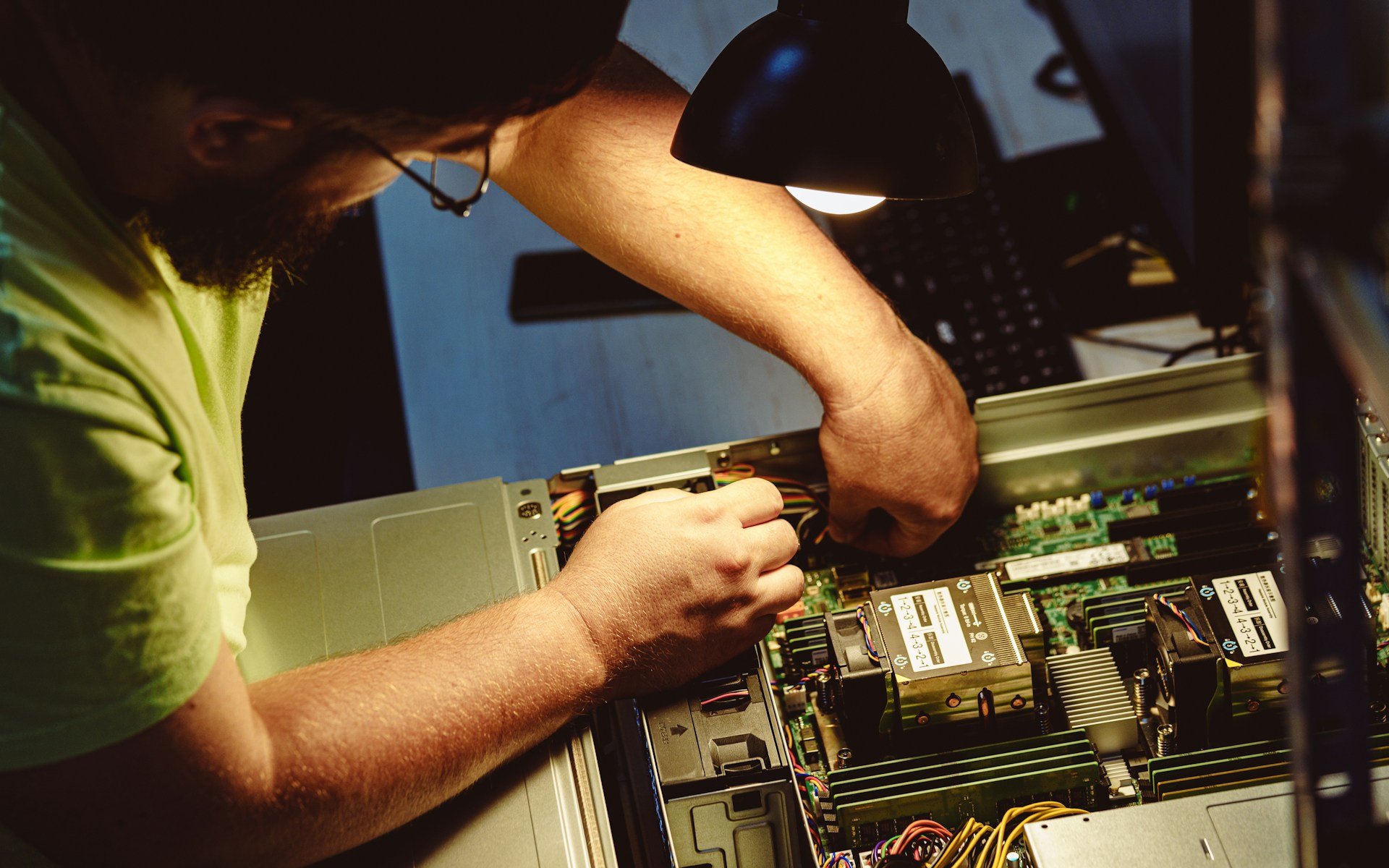
For example, a user may report that their computer will not turn on. The technician may check the power cable, power supply, battery, motherboard, or display. If a laptop keyboard has broken keys, the technician may determine whether the keyboard can be cleaned, repaired, or replaced. If a desktop computer is running slowly, the technician may check the RAM, storage drive, CPU usage, or cooling system.
Hardware support requires careful handling of components. Technicians must understand electrostatic discharge, proper tool usage, cable connections, and safety procedures. A careless repair can cause more damage, so technicians must work carefully and methodically.
Software Support
Software support involves helping users with operating systems, applications, drivers, updates, and settings. A technician may help install software, remove unwanted programs, update an operating system, troubleshoot application errors, or configure user preferences.
Software problems can appear in many ways. A program may crash, a computer may freeze, an application may fail to open, or a user may not be able to access a needed file. The technician must determine whether the problem is caused by the software itself, the operating system, user permissions, missing updates, malware, or hardware limitations.
Software support also includes helping users understand how to use technology correctly. Sometimes the problem is not a broken system but a user who does not know where to find a setting, how to connect to a service, or how to complete a task.
Network Support
Networking is another major part of IT support. Most devices today rely on some type of network connection. Computers need networks to access the internet, printers, cloud storage, email, business applications, and shared files.
A technician may troubleshoot wired and wireless connections.